✨ Updated with the latest financial formulas

Calculate your loan,
deposit and
early repayment

The most complete financial calculator for iPhone. Simulate loans, analyze deposits and find out how much you save by repaying early — in seconds.
🍎 Download free on iOS See features →
Capital — Loan Calculator
4
Built-in calculators
Unlimited calculations
0
Personal data required

Everything you need to make
smarter financial decisions

Capital brings together in one place all the tools you need to manage your money with confidence and clarity.

🏦

Loans

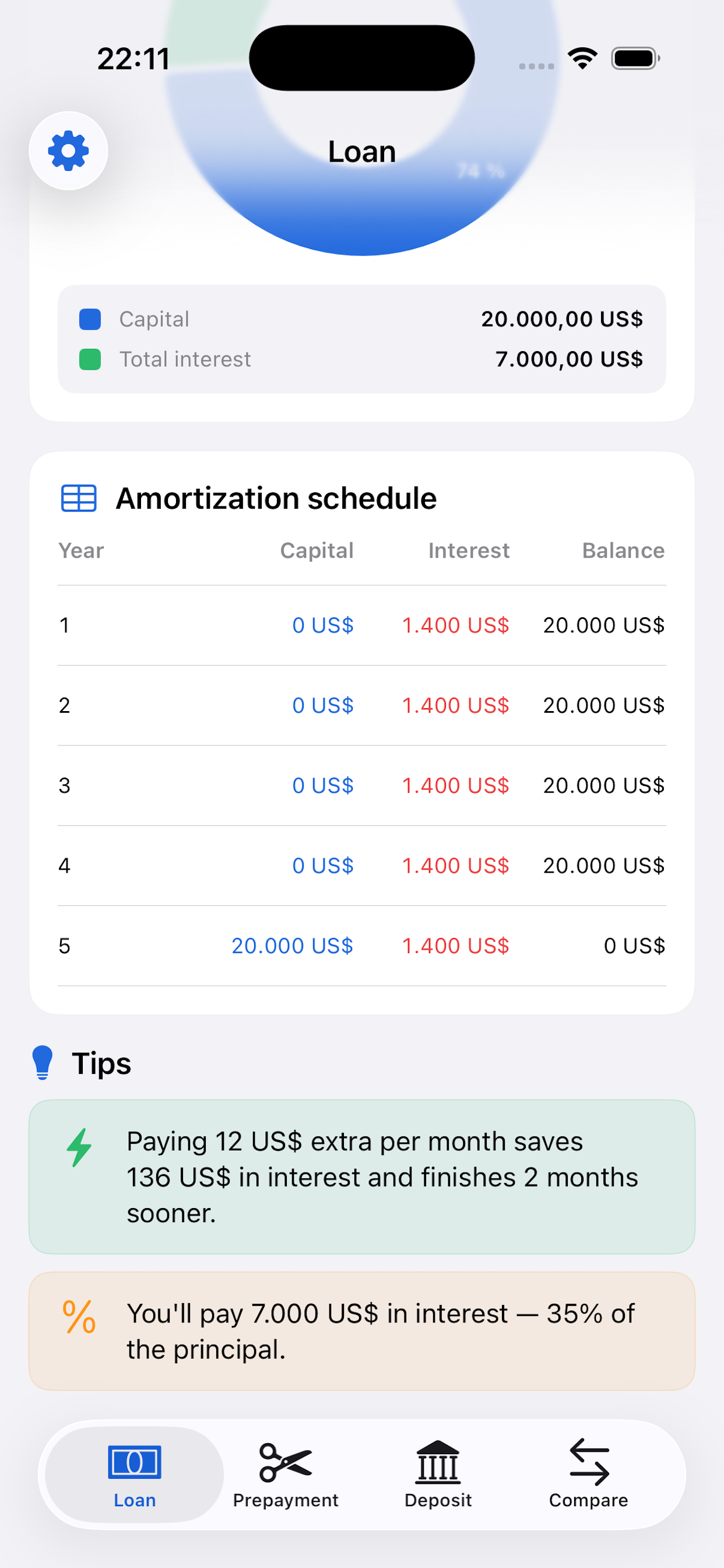
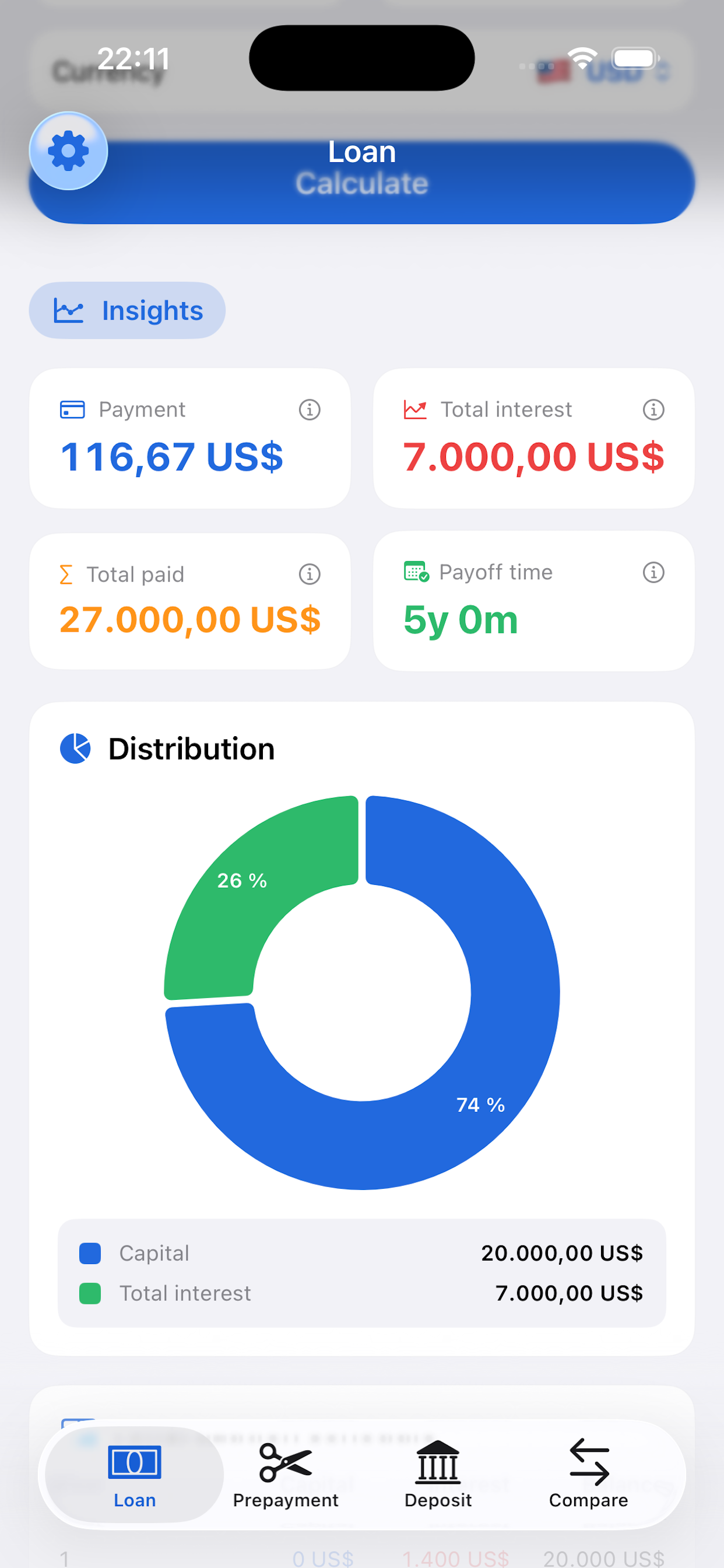
Calculate your monthly payment, total interest and the complete amortization schedule for any mortgage or personal loan.

💰

Deposits

Simulate the return on your fixed-term deposits with simple or compound interest. Find out exactly how much you'll earn at maturity.

Prepayment

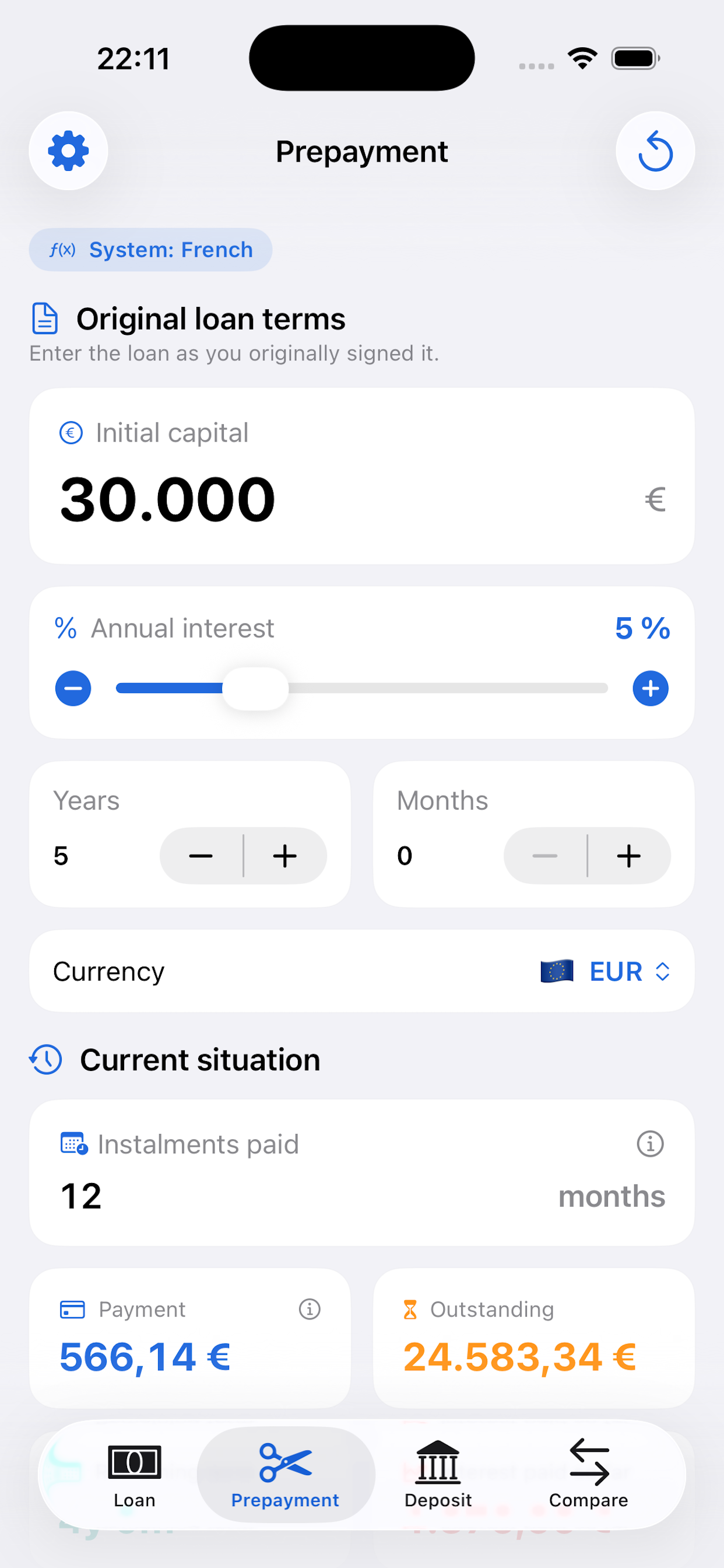
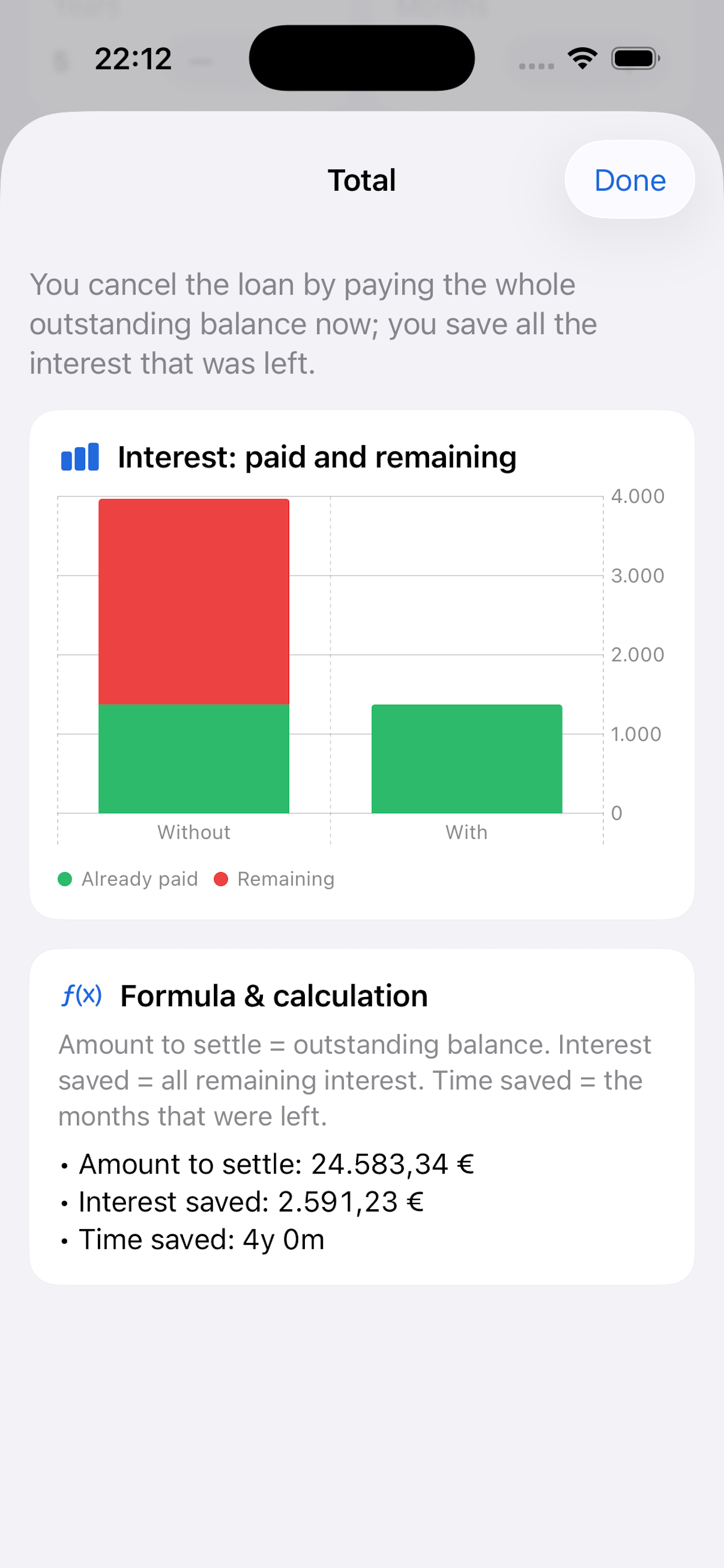
Calculate exactly how much interest you save and how much time you gain by repaying part of the principal before the scheduled date.

📈

Capital

Get the future and present value of money with compound interest. Perfect for planning long-term investments and savings goals.

Designed to be simple.
Powerful when you need it.

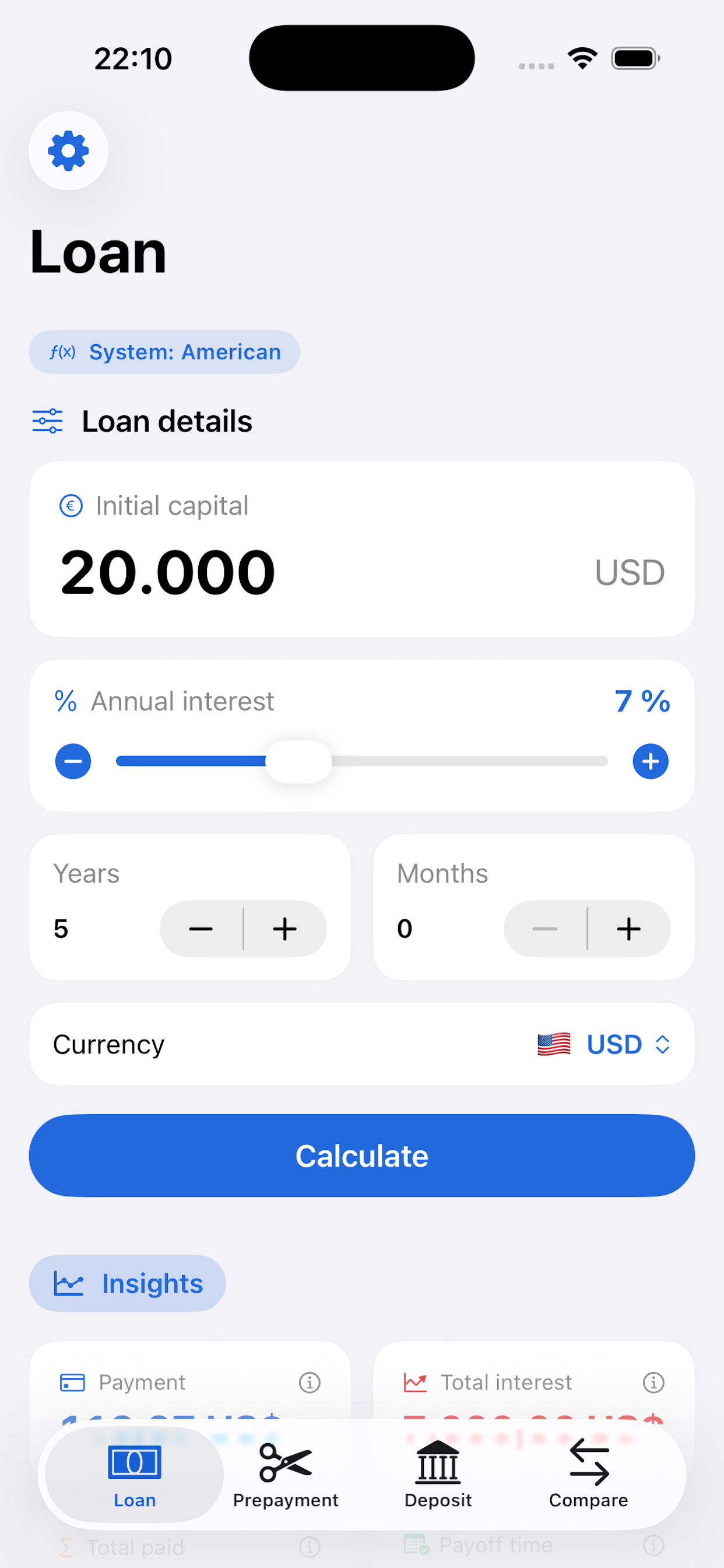
Loan Calculator
Loan Calculator
Amortization Schedule
Prepayment Calculator
Deposit Calculator
Deposit Calculator
Capital Calculator
Capital Calculator

Enter the amount.
Know your payment instantly.

The most complete loan simulator for iOS. With a single tap, get your monthly payment, total interest and full amortization schedule.

  • Exact monthly payment

    Get the precise monthly payment for your loan, with or without a grace period.

  • Total interest cost

    See exactly how much you'll pay over the life of the loan and how much goes to interest.

  • 🎯

    Early repayment savings

    With an extra lump-sum payment, calculate how much time and money you save on interest.

Payment Simulator
$ 842
Estimated monthly payment · $150,000 | 25 years | 3.5%
Total amount payable
Principal + Interest
$252,600
Total interest
Financing cost
$102,600
Prepaying $10,000 today
Estimated interest savings
−$6,840

Three steps.
Instant results.

1

Choose a calculator

Select from loan, deposit, prepayment or capital calculator depending on what you need.

2

Enter your figures

Input the amount, interest rate, term and any additional parameters.

3

Get your results

View the payment breakdown, interest costs and full amortization table in seconds.

All the financial math
you need, organized for you

Fixed-rate mortgage
Variable-rate mortgage
Personal loan
Fixed-term deposit
Early repayment (prepayment)
Compound interest
Future value of capital

What users are saying

★★★★★
I've been looking for an app like this for years. I calculate the amortization of my mortgage in seconds and see exactly how much I save with extra payments. A must-have.
M
Mark D. Homeowner, New York
★★★★★
Perfect for comparing whether to reduce the payment or the term when making a prepayment. The amortization table is super clear and results come up instantly.
S
Sarah T. Financial Advisor, London
★★★★★
I use the deposit calculator to compare offers from different banks. Clean design, works offline and no account needed. Exactly what I was looking for.
R
Robert A. Private investor, Chicago

Everything free.
Ad-free for $5.99.

All four calculators are completely free. The only optional purchase is to remove ads — a one-time payment, forever.

Free
$0
Full access to all calculators.
  • Loan calculator
  • Deposit calculator
  • Prepayment calculator
  • Capital calculator
  • Full amortization schedule
  • Includes ads

Frequently asked questions

Is the app free?
Yes. All four calculators (loans, deposits, prepayment and capital) are completely free. The only optional purchase ($5.99 one-time) is to permanently remove ads.
Do I need to create an account?
No. Capital works without registration, without an account and without an internet connection. Open the app and start calculating immediately. We don't collect any personal data.
How do I calculate an early repayment on my mortgage?
Go to the Prepayment section, enter your outstanding mortgage balance, interest rate, remaining term and the lump-sum amount you want to repay early. The app will instantly show you how much you save in interest and how much the term or monthly payment is reduced.
Can I see the full amortization schedule?
Yes. From the loan calculator you can access the full monthly amortization table, where you'll see for each period the payment amount, interest paid, principal repaid and outstanding balance.
What's the difference between reducing the payment and reducing the term?
When making a prepayment you can choose to reduce the monthly payment (keeping the original term but paying less each month) or reduce the term (keeping the payment but finishing sooner). The calculator shows the interest savings for both options.
Is it available for Android?
Capital is currently available for iPhone only (iOS 16+). We are evaluating Android support for future versions.
I paid to remove ads but they're still showing.
Go to Settings → Restore Purchase inside the app. This will verify your purchase with Apple and remove all ads. Make sure you're signed in with the same Apple ID you used when purchasing.

Your money deserves
precise calculations

Join thousands of users who already use Capital to make smarter financial decisions. Free, on your iPhone.

🍎
Download on the App Store
Free · iOS 16+ · No sign-up required