Senior Cognitive

Daily mind exercises for older people

Eight different games every day, at their own pace. Family can follow progress from their own phone.
Request information Coming soon on the App Store and Google Play
Differences
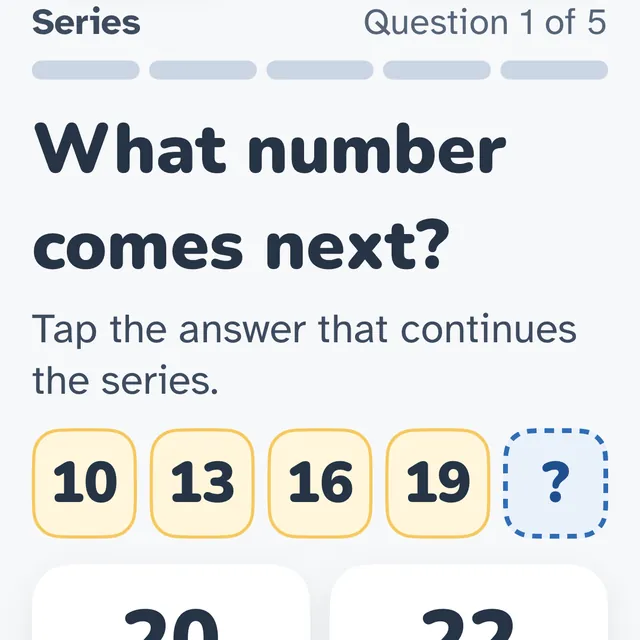
Series

Eight different exercises every day

Today’s plan is prepared automatically, with games of at least four different types, and stays the same all day. Tomorrow it will be different.

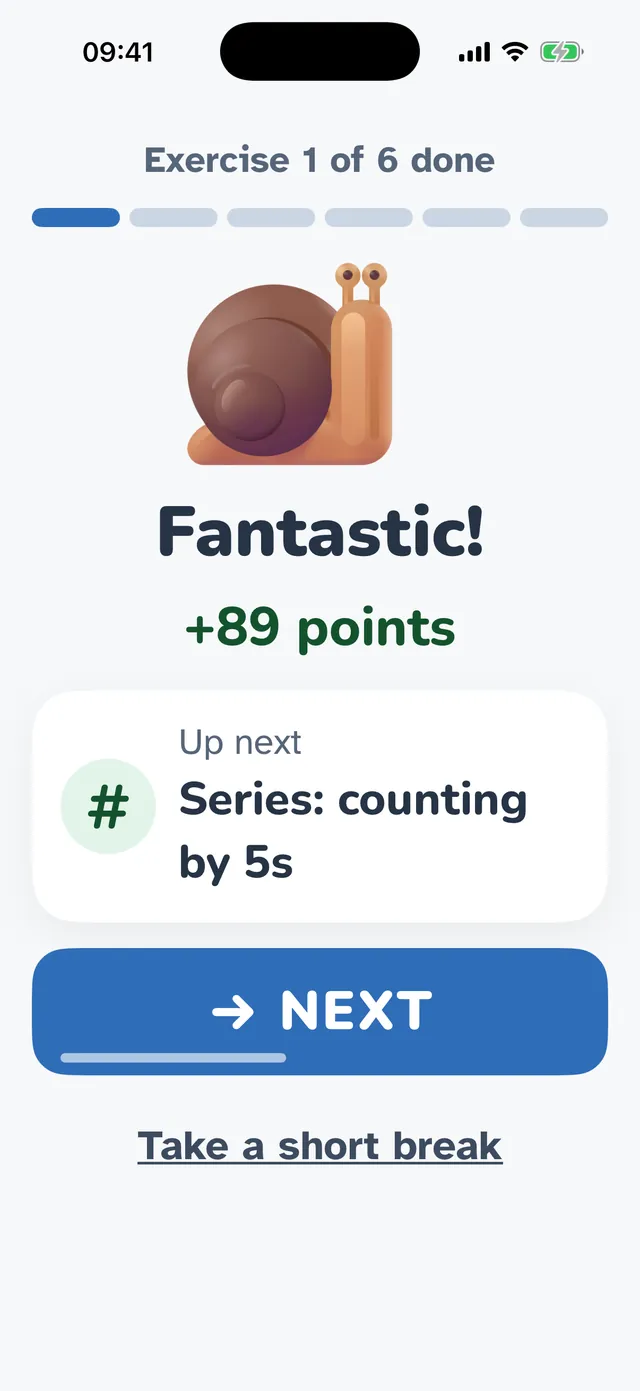
Between exercises, a screen congratulates the person and moves on by itself after 10 seconds. Nobody has to go back.
An exercise
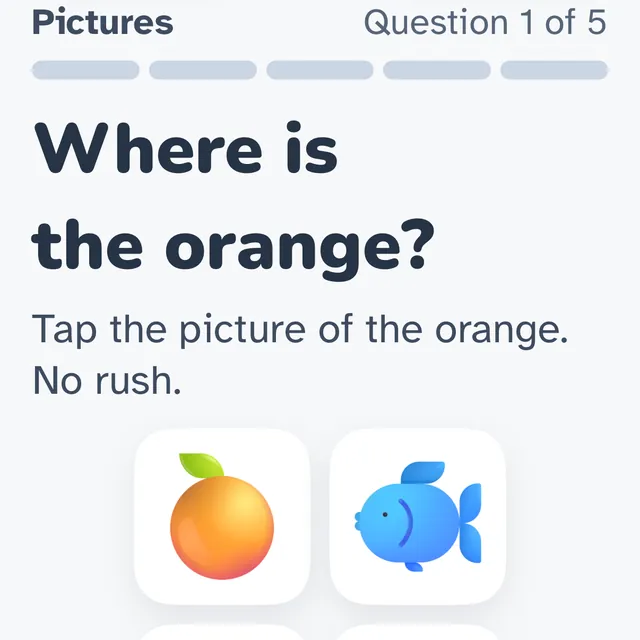
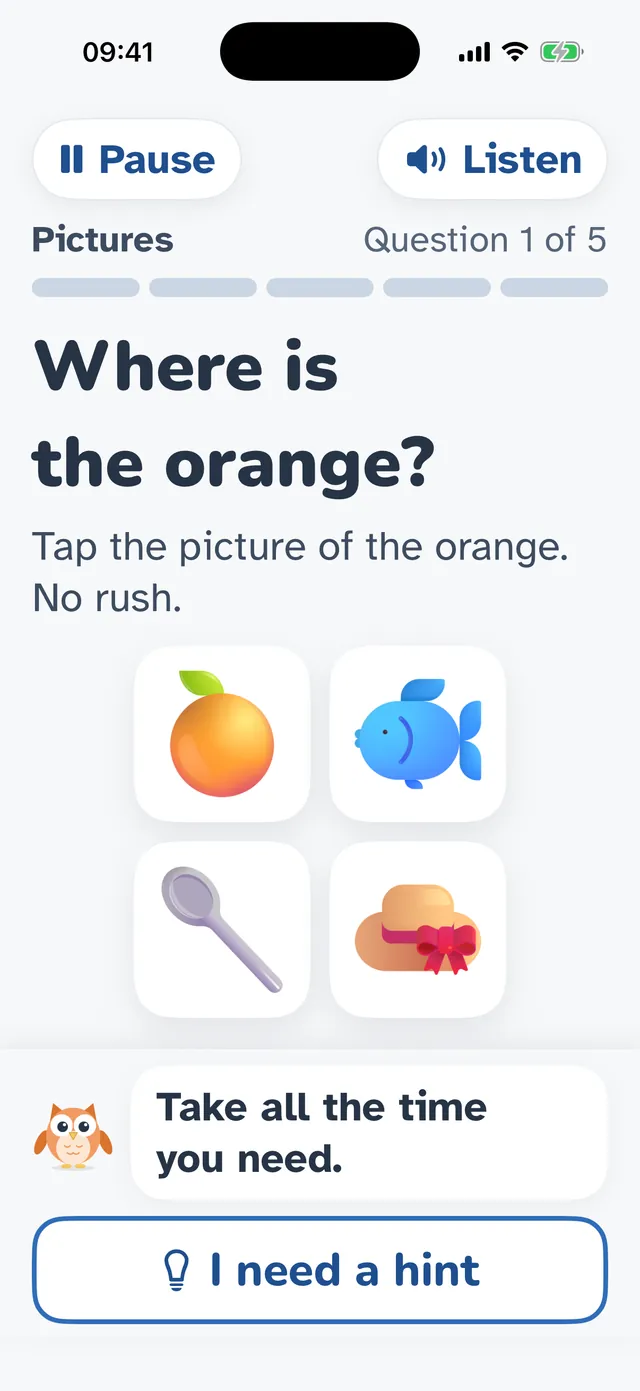
A picture recognition exercise: where is the ocean liner?
Between exercises
Congratulations screen between two exercises, with the points earned and the next game.
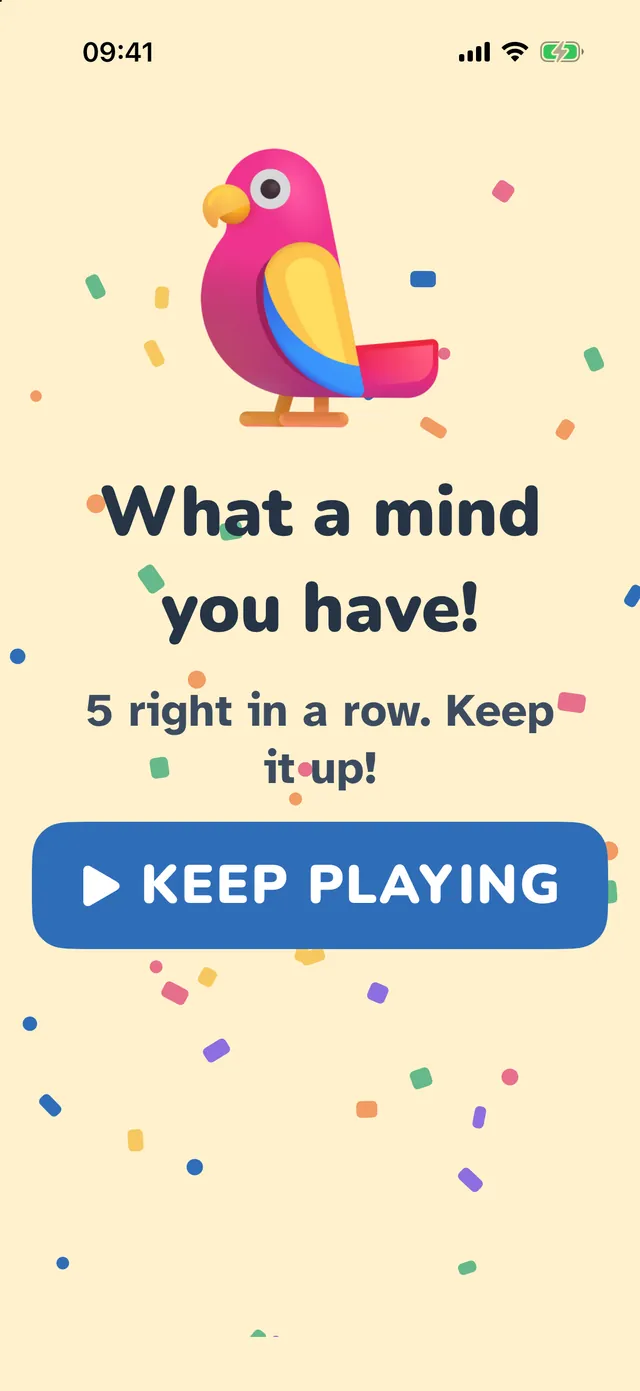
A celebration
Celebration screen with a parrot after five right answers in a row.
  • Every exercise can be listened to: one button reads it aloud, in Spanish or English.
  • You can pause, leave and carry on later without losing what was done.
  • The important buttons (Next, Check, Hint) are always at the bottom, in view.

Family module: see how it’s going, from your phone

Whoever cares, even from far away, can see whether today’s training is done, how it went and what is harder, without having to ask. It works between iPhone and Android, in any combination.

Whoever follows pays nothing. The person using the app needs Plus to send the invitation.

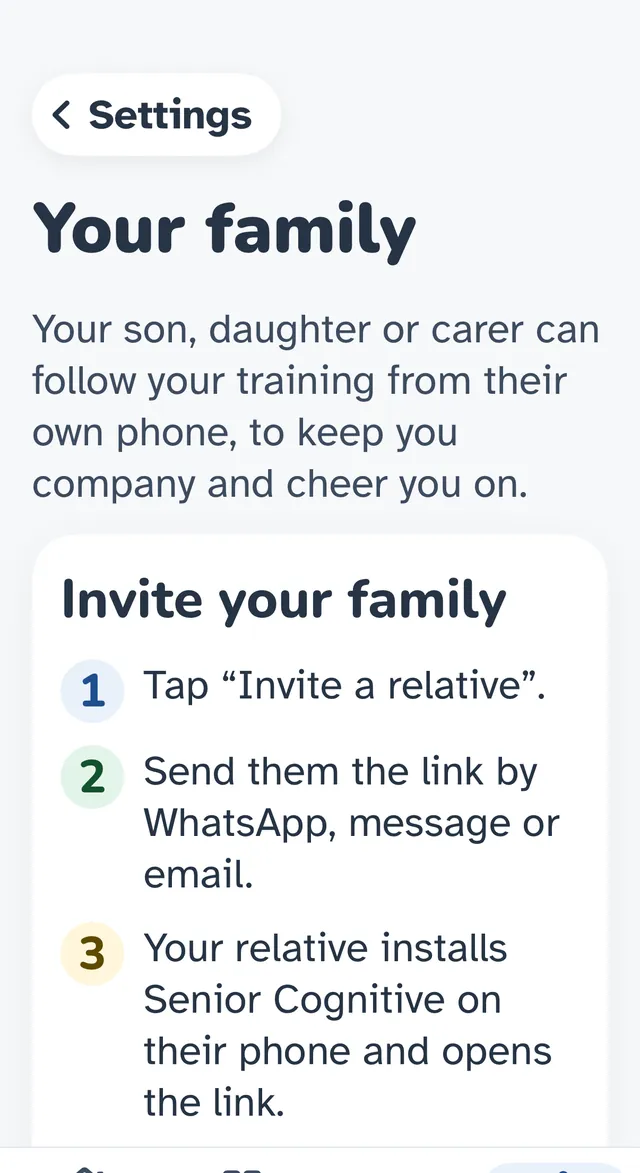
  1. The person invites. They tap “Invite a relative” in Settings and send the link by WhatsApp, message or email.
  2. The relative opens the link with the same app installed on their phone, iPhone or Android. When the person finishes the day, an alert arrives and the report opens from it.
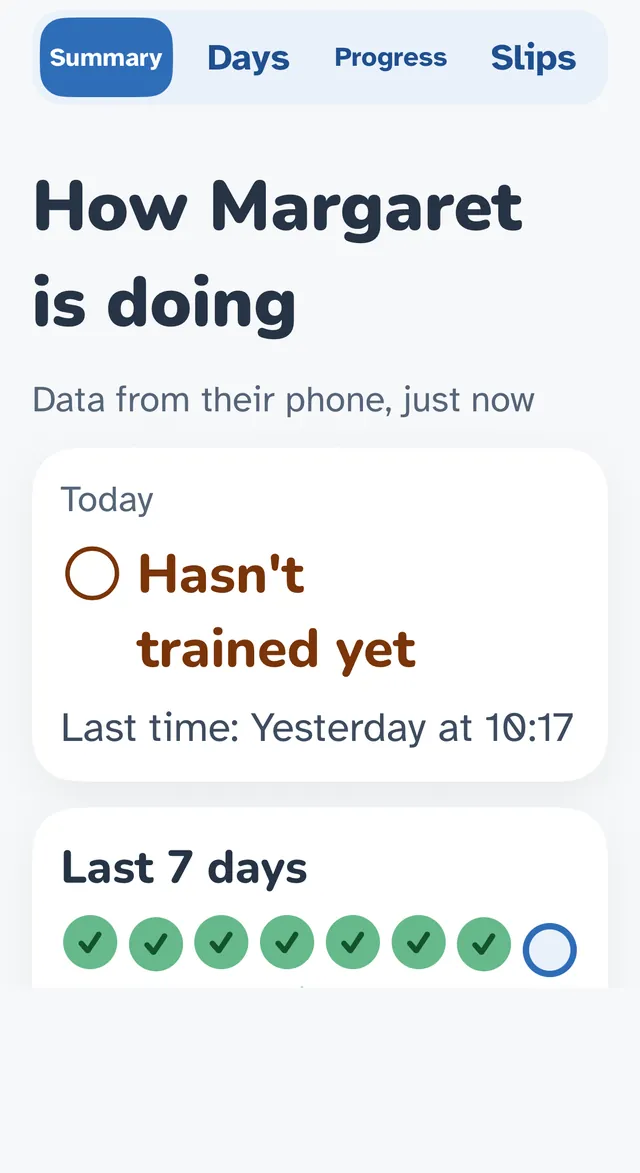
  3. They see the data on their phone: today, the last 7 days, each exercise with its slips, and the progress.

The person decides. The copy is read-only, travels encrypted (the key is only in the link) and no account is needed. They can stop sharing whenever they like, and the copy is deleted.
The person invitesOn their phone
Your family screen with the steps to invite a relative.
SummaryOn the relative’s phone
Relative’s screen: How Margaret is doing, with today’s status and the last seven days.
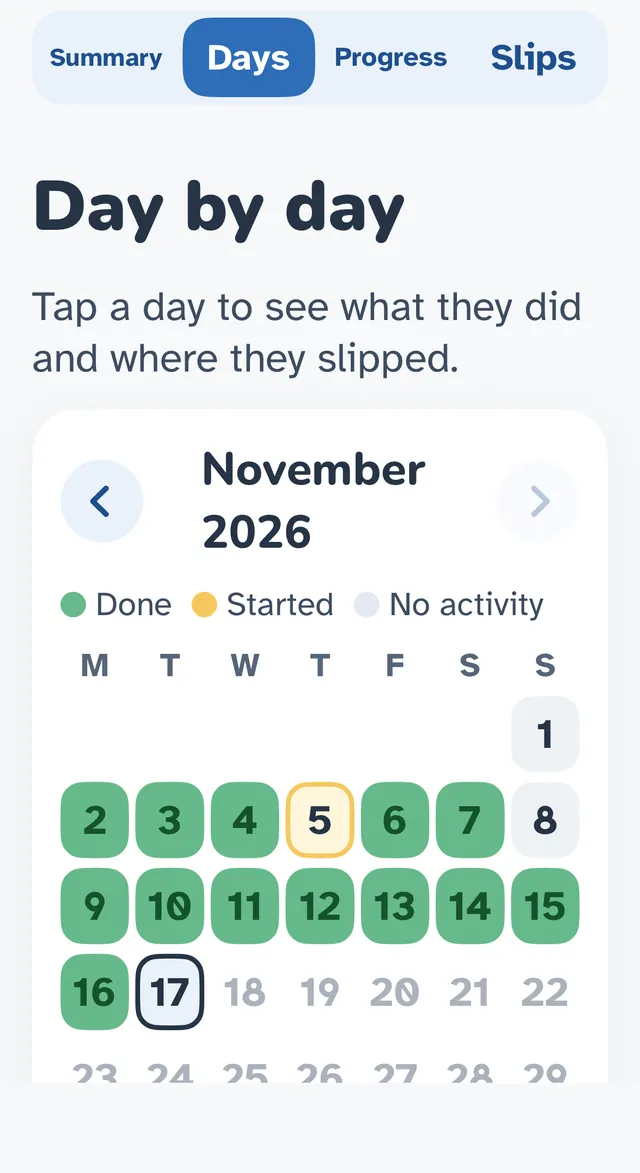
DaysWhat they did and where they slipped
Relative’s screen with the calendar of days and what was done each day.
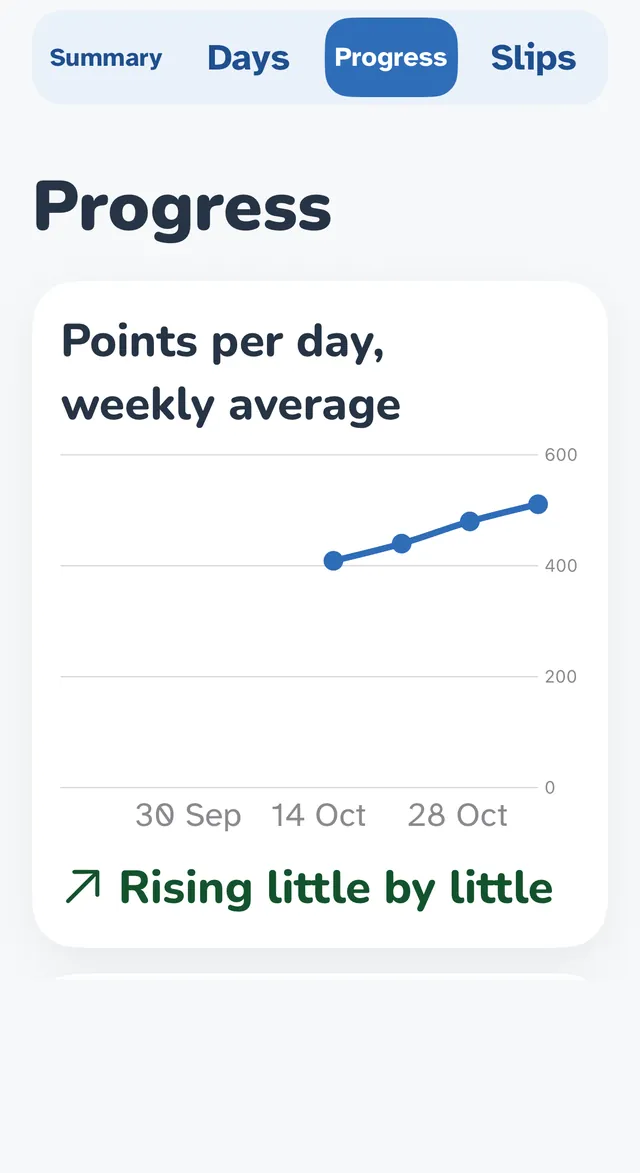
ProgressPoints per week
Relative’s screen with the progress of points per day.
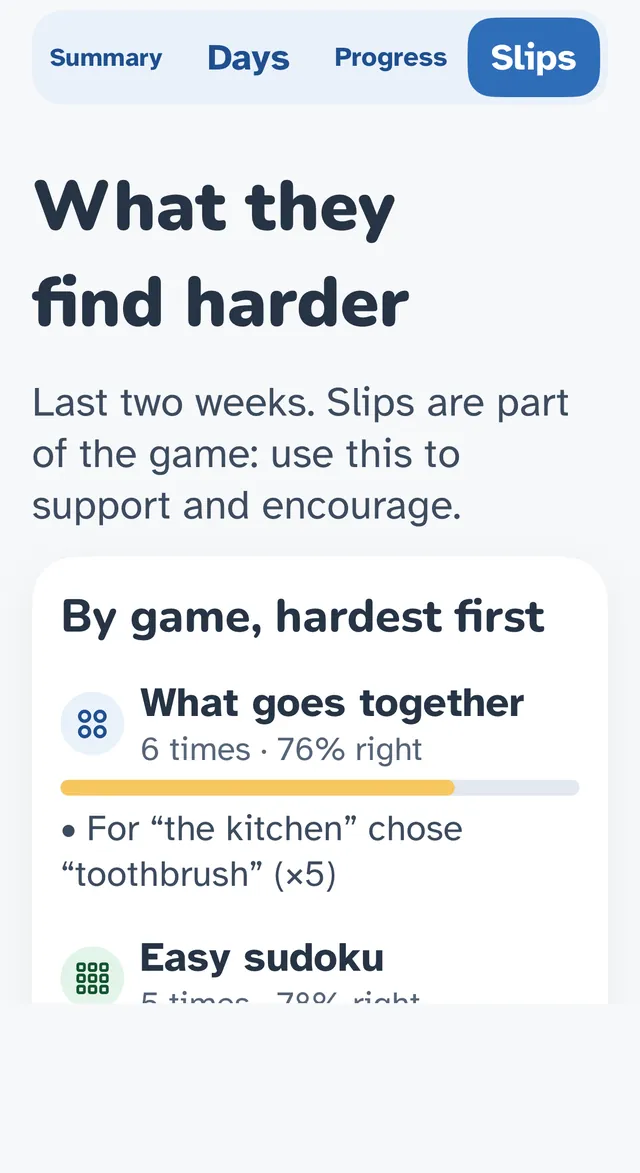
SlipsWhat they find harder
Relative’s screen with what they find harder, game by game.

Thirteen games and seven challenges, more than 1,100 different rounds

Each game comes with its own themes and rules: fruit, the bathroom, the farm, counting in 7s, putting the steps of making tea in order. With eight games a day, none comes back for over a month. The ones marked Plus are part of the subscription.

Memory

Games to exercise memory.

1Visual memory

Look at some objects and remember them.
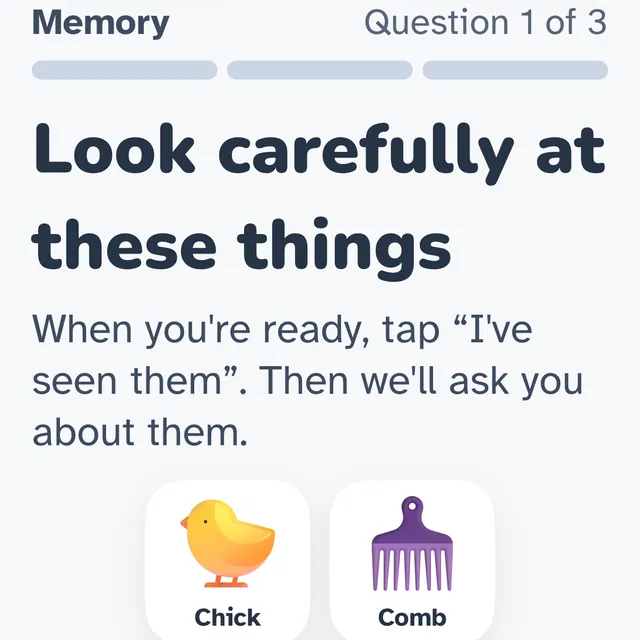
Visual memory game screen with a spoon, a teapot and a television.
2Matching pairs

Turn the cards over and find the matches.
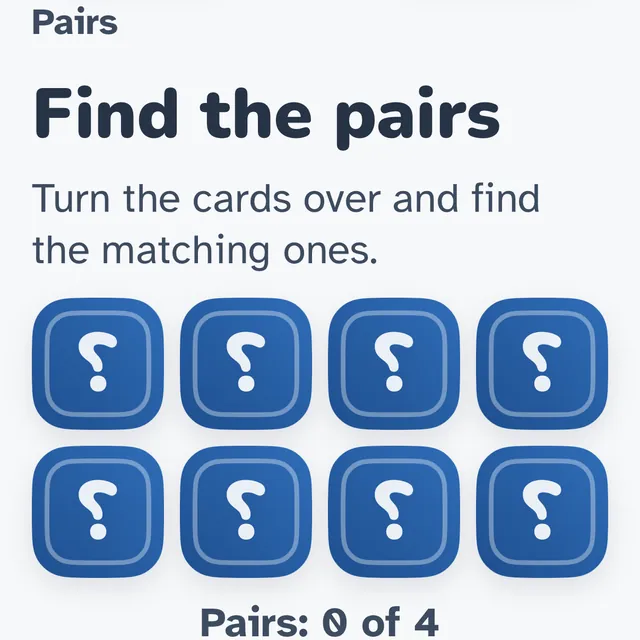
Matching pairs game screen with eight cards face down.
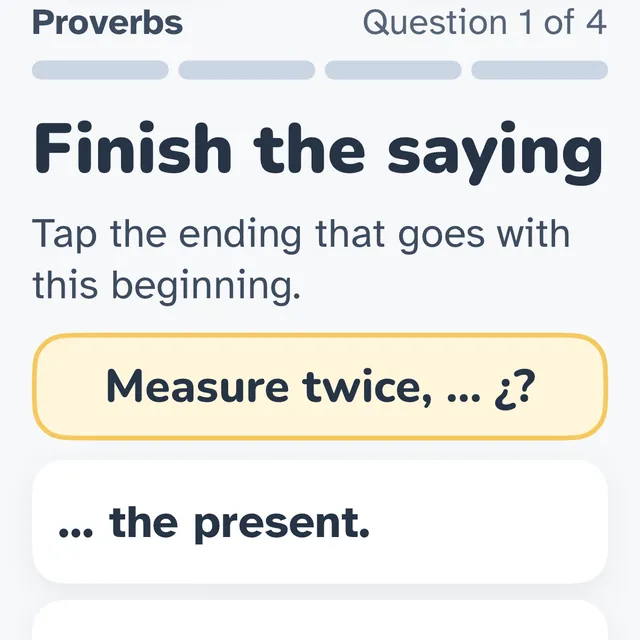
3Proverbs Plus

Complete the sayings everyone knows.

Proverbs game screen: When the cat is away, with three possible endings.

Attention

Games to notice details.

4Picture recognition

Recognise animals, objects and food.

Picture recognition screen: where is the ocean liner, with four drawings.
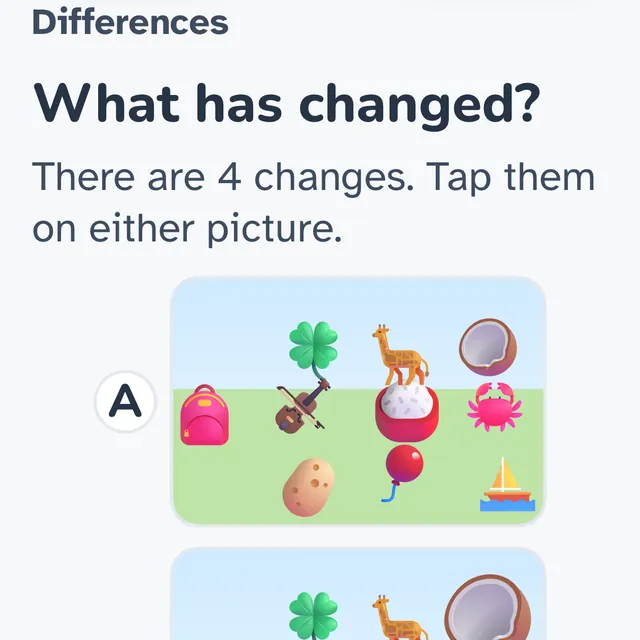
5Spot the difference

Find the changes between two pictures.

Spot the difference screen with two drawings of objects.

Logic

Games with numbers and simple rules.

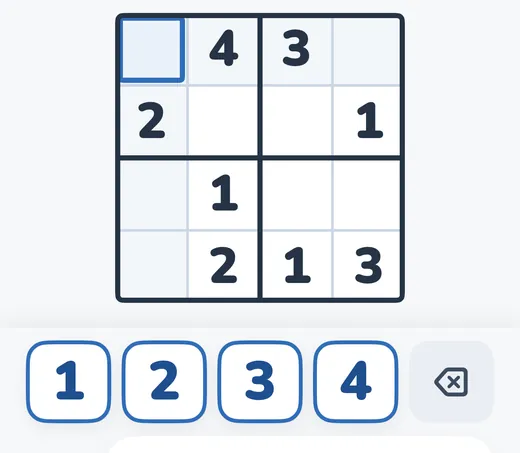
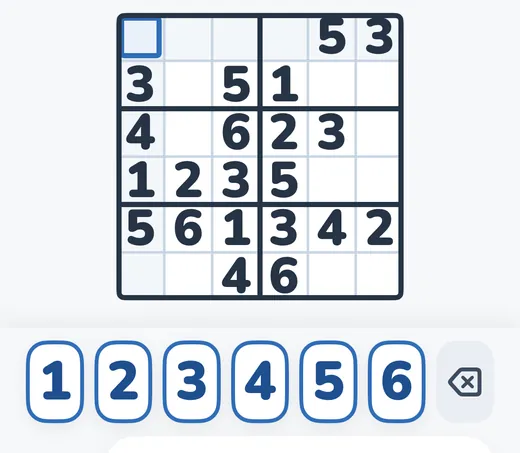
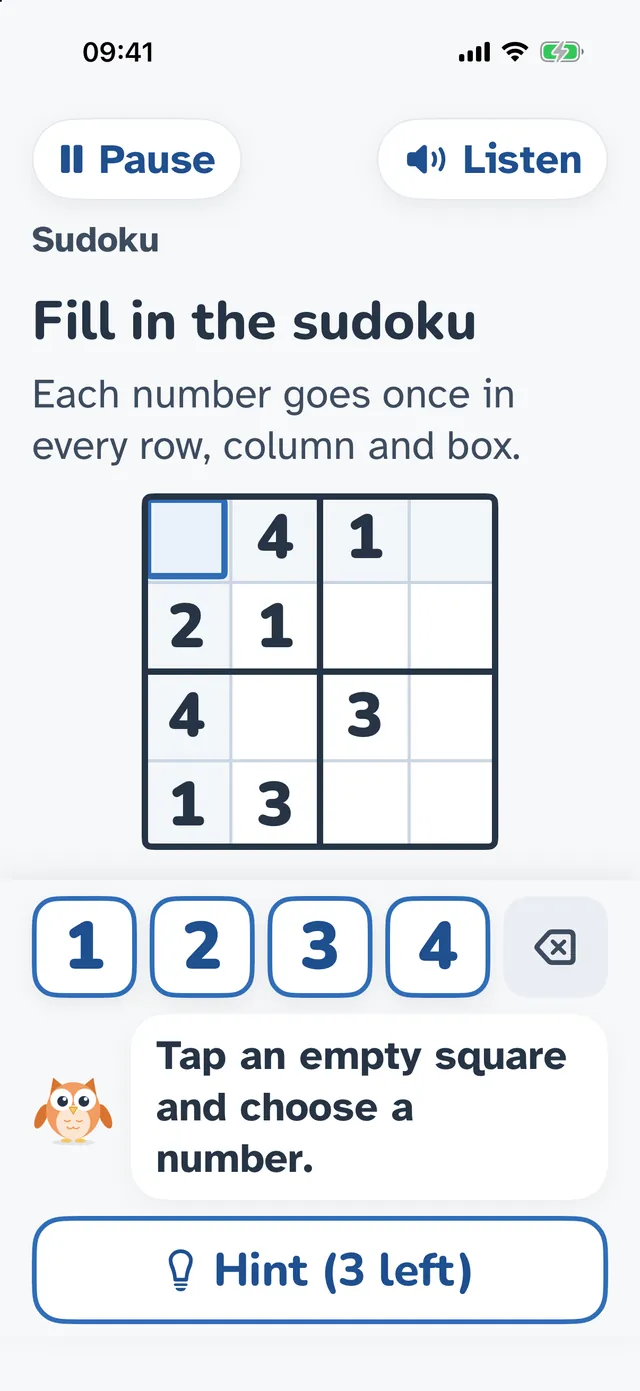
6Easy sudoku

Fill the grid without repeating numbers.
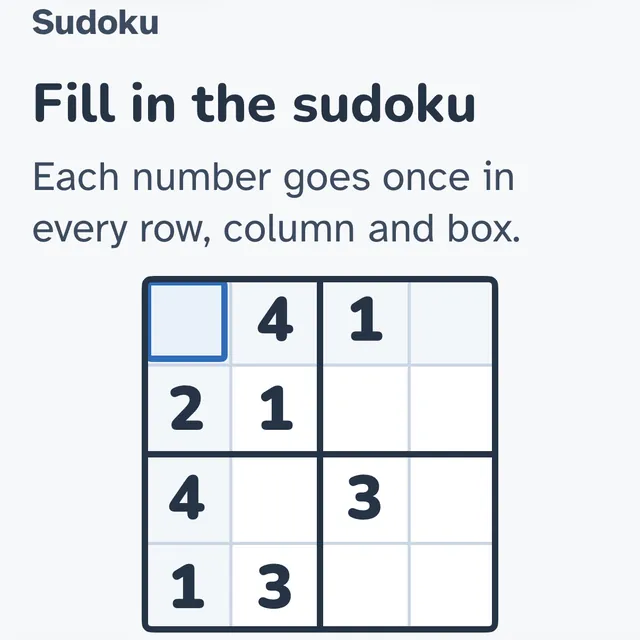
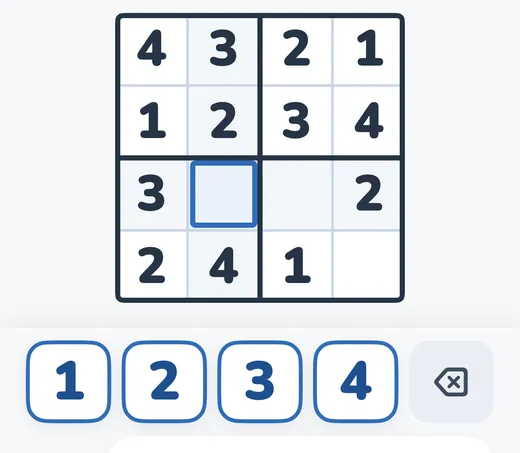
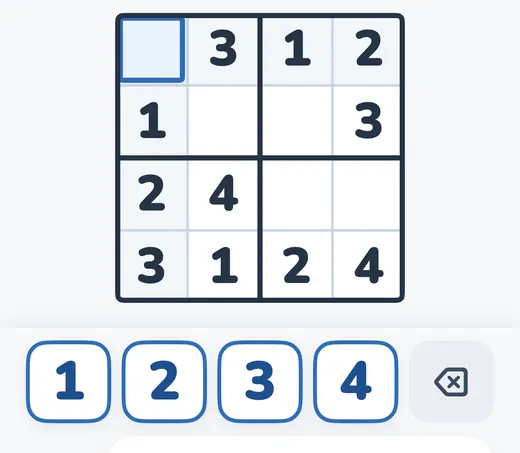
Screen of a 4 by 4 sudoku with a number already placed in each row.
7Number series

Find the number that comes next.

Number series screen: 24, 19, 14, 9 and a question mark.
8Shopping Plus

Add up the shopping and work out the change.
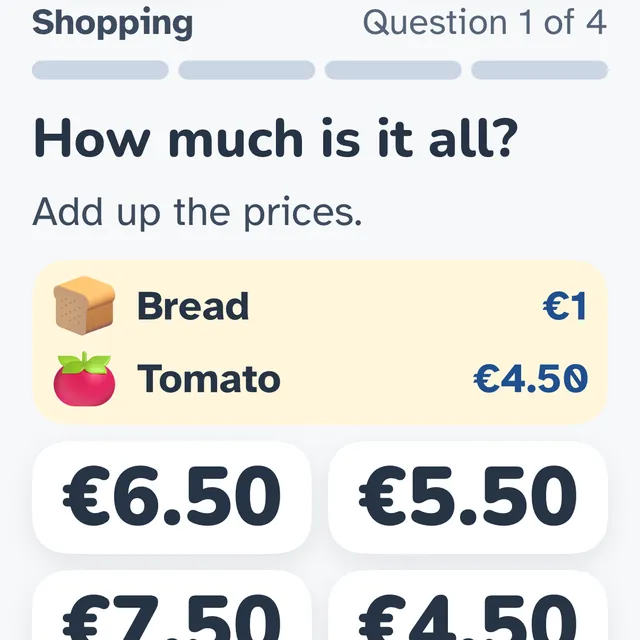
Shopping screen: how much does it all cost, with grapes and a cake.

Visual perception

Games to look at and fit shapes.

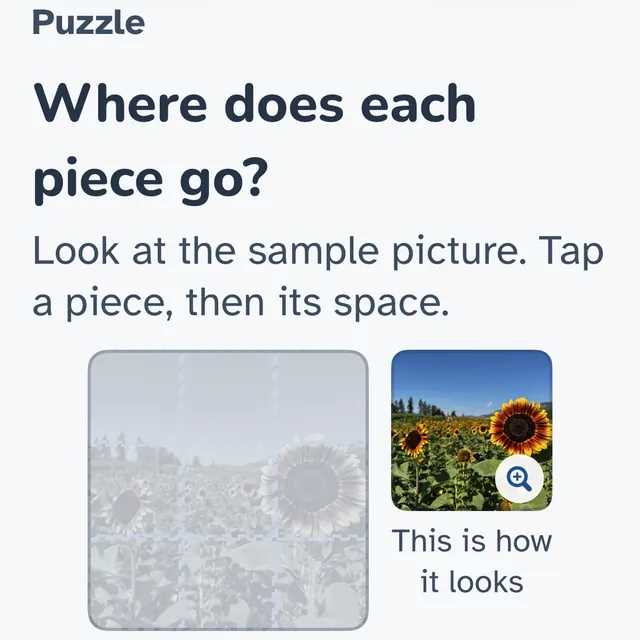
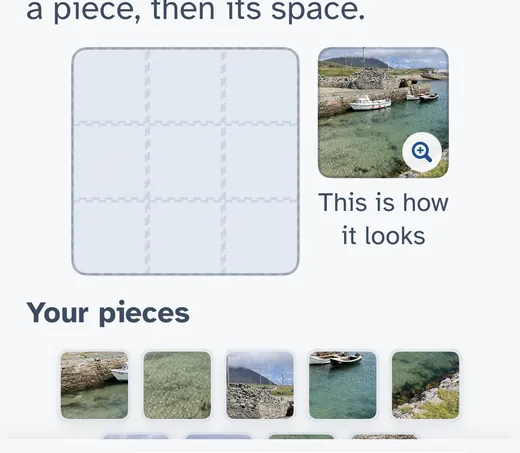
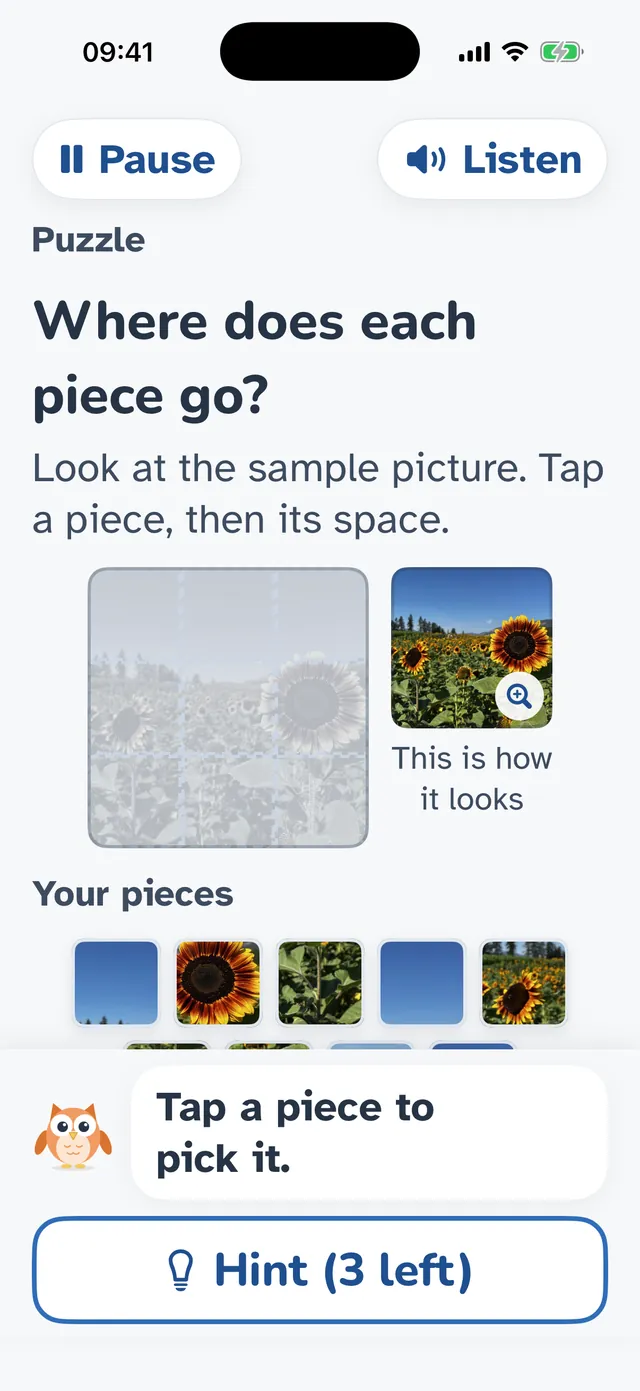
9Jigsaw puzzle

Put a landscape back together.

Jigsaw puzzle screen: the sample picture and the pieces of the landscape.
10Clock hands

Learn to read the hands: pick the clock that shows each time.
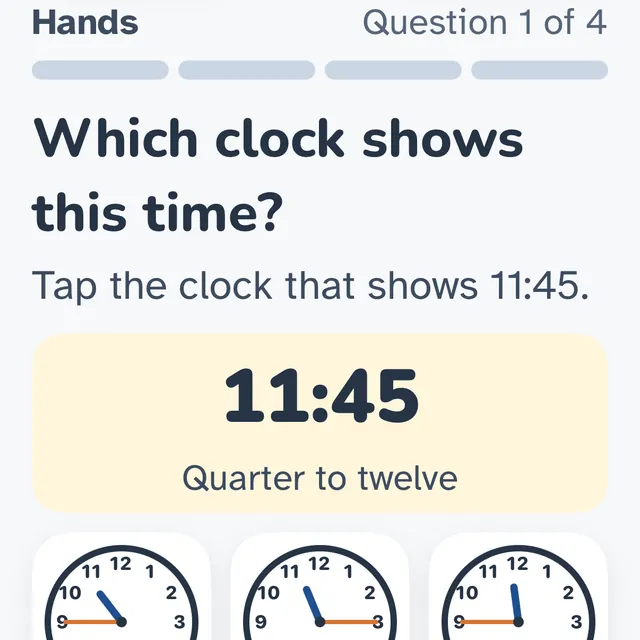
Clock hands screen: which number does the long hand point to?
11The clock Plus

Read the time and set the clock.

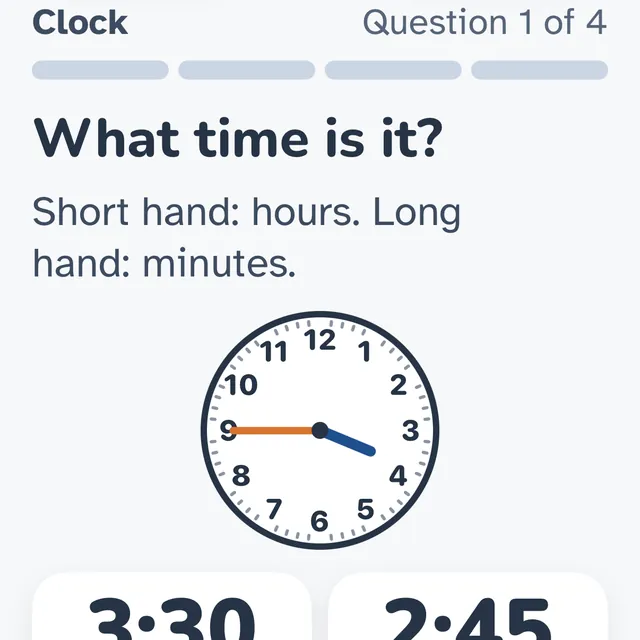
The clock screen: what time is it, with four times to choose from.

Reasoning

Games to order and connect ideas.

12What goes together

Choose the things that belong together.
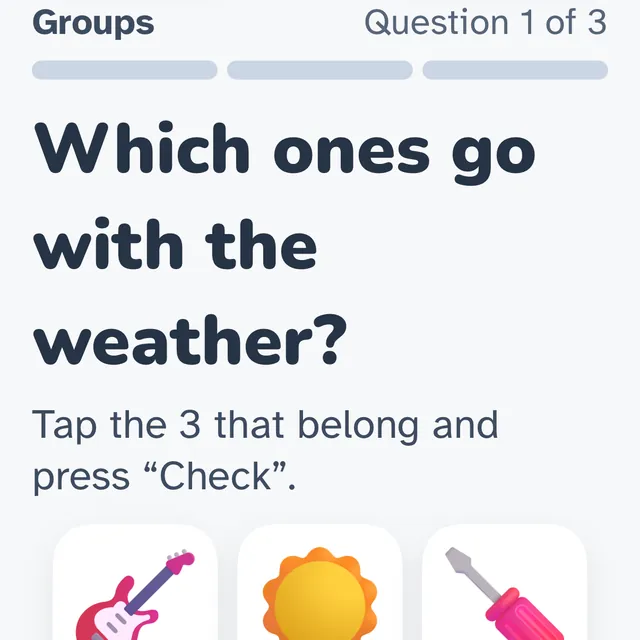
Groups screen: which things fly, with six drawings.
13Put in order

Put the steps in the right order.

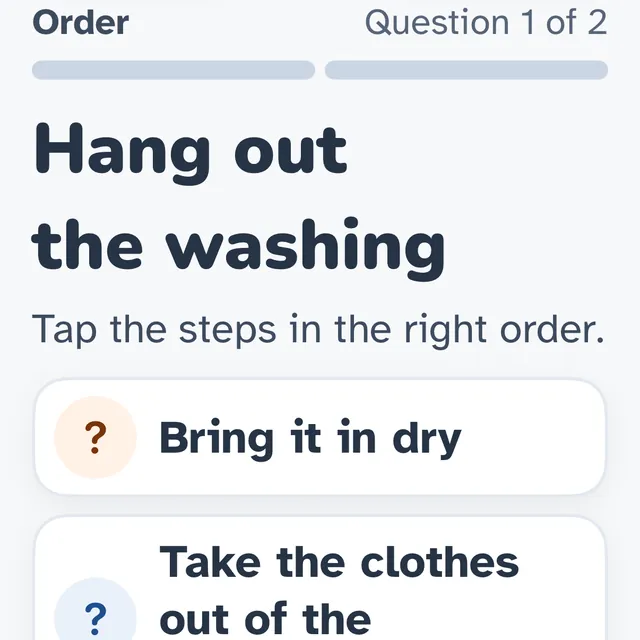
Put in order screen: setting the table, with three steps to order.

Five animals, five paces

From Snail to Cheetah. Each animal asks for a similar effort in every game. This is the same puzzle and the same sudoku at each level.

  1. Snail
    Four-piece puzzle with a faint guide of the picture. 4 by 4 sudoku with three empty squares.

    Puzzle: 4 pieces, with guideSudoku: 4×4, 3 empty squares

  2. Turtle
    Six-piece puzzle with a guide. 4 by 4 sudoku with five empty squares.

    Puzzle: 6 pieces, with guideSudoku: 4×4, 5 empty

  3. Rabbit
    Nine-piece puzzle with a guide. 4 by 4 sudoku with eight empty squares.

    Puzzle: 9 pieces, with guideSudoku: 4×4, 8 empty

  4. Horse
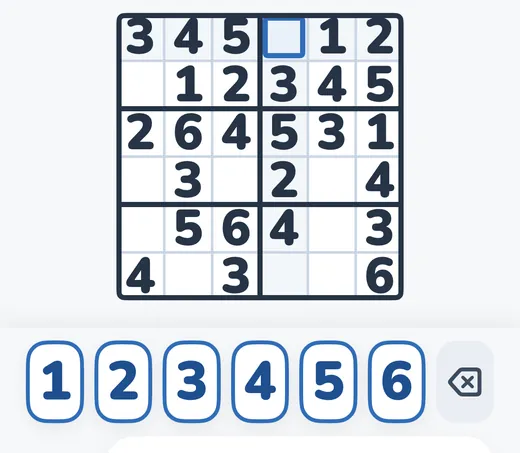
    Nine-piece puzzle without a guide. 6 by 6 sudoku with ten empty squares.

    Puzzle: 9 pieces, no guideSudoku: 6×6, 10 empty

  5. Cheetah
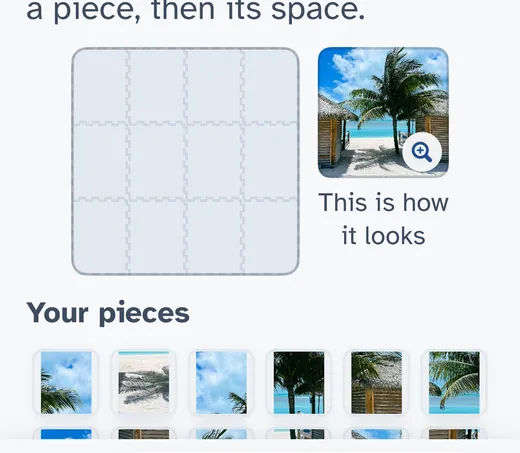
    Twelve-piece puzzle without a guide. 6 by 6 sudoku with fifteen empty squares.

    Puzzle: 12 pieces, no guideSudoku: 6×6, 15 empty

What counts is finishing

Each exercise is worth 100 points: 80 for the answers, 10 for finishing and 10 for improving. Time does not count.

Moving up is celebrated

When the person moves up an animal there is a party. If moving down makes sense, it happens without fanfare.

Hints are counted

Hints are few and you always see how many are left: “Hint (3 left)”.

A week of training

Every day brings a new plan of eight exercises. The app adds up the days trained, the points and the minutes of the week, and keeps them in the calendar.

  • One rest day a week does not break the streak.
What we’ll do today
  1. Group: the bathroom
  2. Colour sudoku
  3. Drawing puzzle: tools
  4. Visual memory: the cold
  5. Put in order: cook pasta
  6. Clock hands: a little later, quarter hours

An example of one day’s plan in the app. Tomorrow it will be a different one.
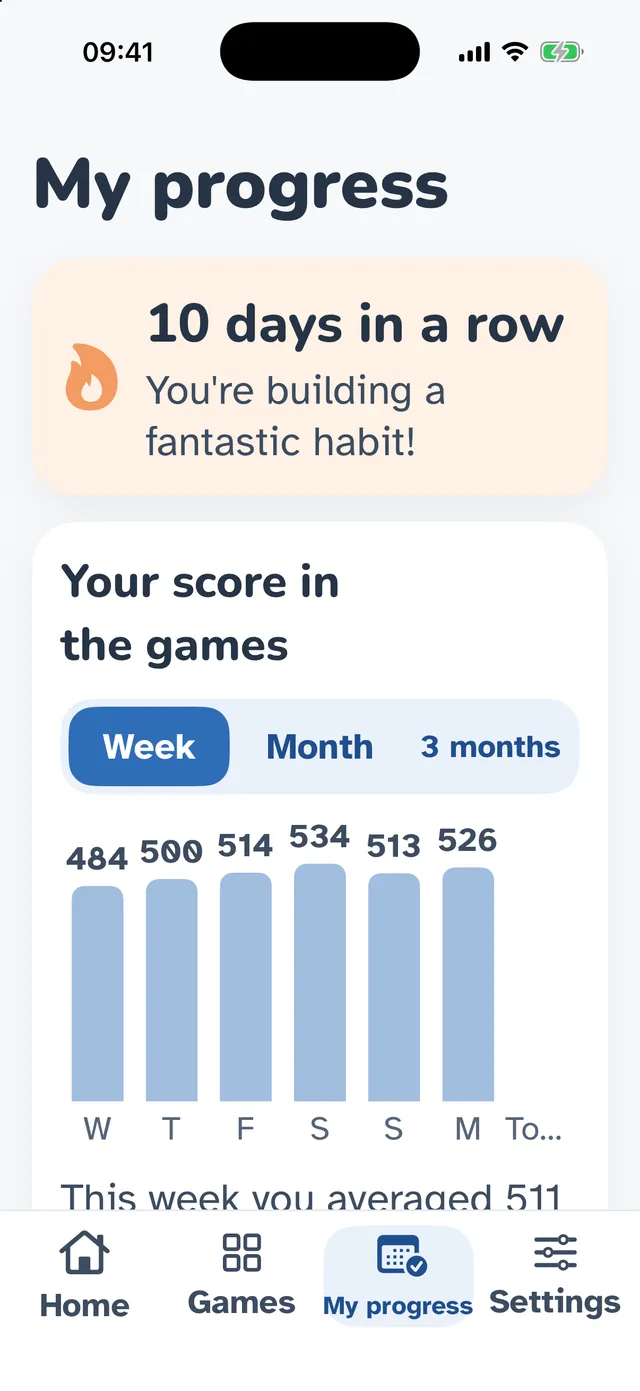
My progress
My progress screen: ten days in a row and the week’s score in bars.
Your streak and the week’s score at a glance.
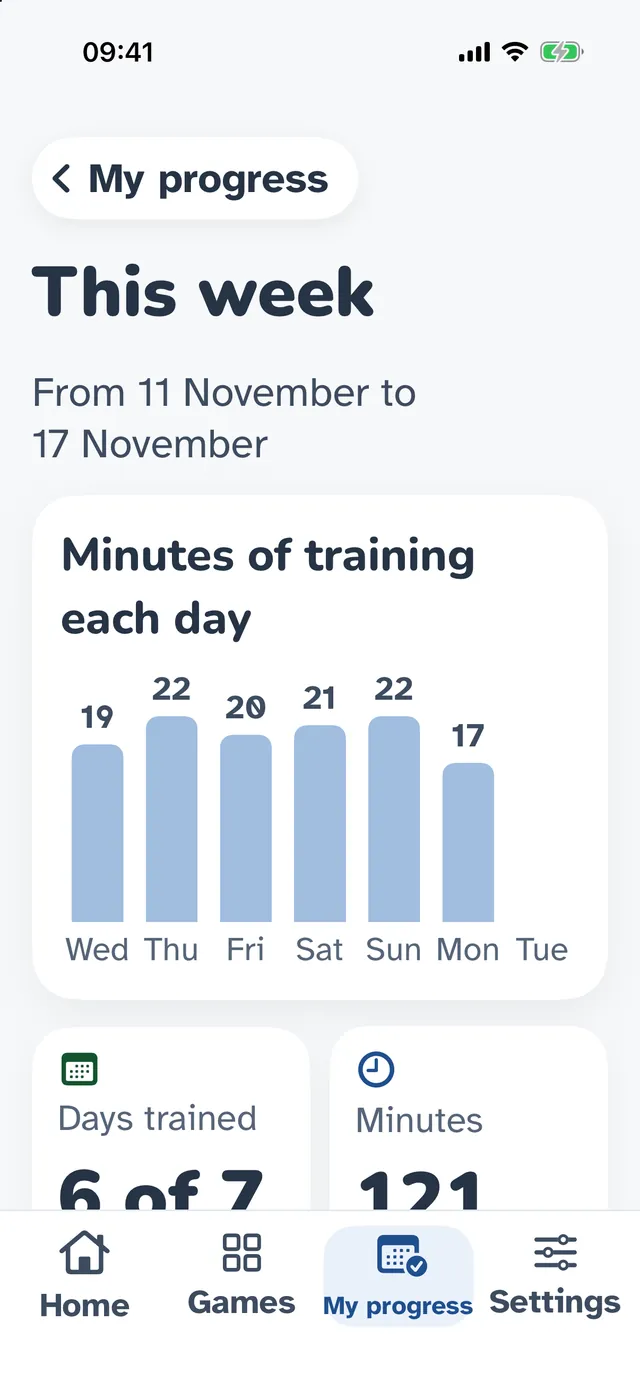
This week
This week screen: minutes trained each day in a bar chart.
The minutes of each day and how each type of game is going.
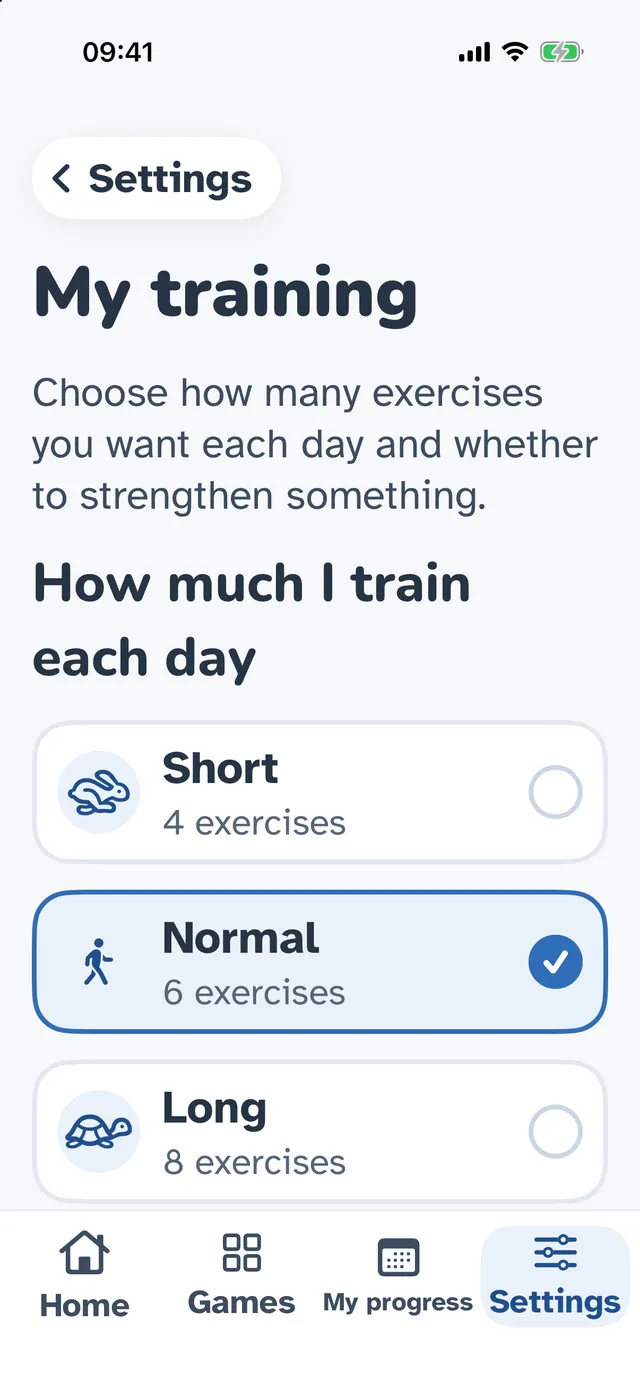
With Plus: your plan
My training screen: choose how many exercises to do a day.
With Plus you choose how many exercises to do a day (5, 6 or 8) and which category to strengthen.

What is free and what Plus adds

Always free

  • The complete daily training, with its eight exercises
  • Eight games, with almost 400 different rounds
  • Three free-play games a day, on top of the training
  • The last 30 days of history

With Plus Plus

  • Unlimited free play
  • Alert the family: when the day’s training is finished, their relative gets a notification on their phone with the report (time, right answers and slips). The relative pays nothing
  • More than 770 extra rounds: the Super challenge category and games like Proverbs, Shopping or The clock
  • Training of 5, 6 or 8 exercises and a category to strengthen
  • Own photos in the puzzle and pairs, which stay on the phone
  • Full history and a monthly PDF report

Plus is a subscription, monthly or yearly. The App Store and Google Play show the price in your country.

Questions

Is it a medical treatment or assessment?

No. Senior Cognitive is a tool to exercise the mind with games. It does not diagnose or treat anything and does not replace the advice of a health professional.

Do I need to create an account?

No. There are no sign-ups or accounts: the data stays on the person’s device and, to have the same on their other devices, in an encrypted copy that only opens with their code.

Who can see the data?

Only the person, unless they invite a relative. Then an encrypted read-only copy is shared with that relative, on iPhone or Android, and they can stop sharing whenever they want: the copy is deleted.

Are there ads?

No. Senior Cognitive has no ads: not in the games and not on any other screen, with or without Plus.

Which devices does it work on?

iPhone and iPad with iOS 17 or later, and Android phones and tablets with Android 8 or later, in portrait and landscape. It is available in Spanish and English, with spoken instructions in both.

What happens to my own photos?

With Plus you can use up to 12 of your own photos in the puzzle and pairs. They stay on the phone and are not uploaded anywhere.

For care homes and day centres

Tell us how your centre works and we will reply with the information you need.

For the people

Three text sizes and high contrast. Spoken instructions. Calm music while they exercise.

For the team

No sign-ups or accounts. Works on iPad, iPhone and Android. Progress by week and by month, with a calendar.

With peace of mind

It is not a medical assessment and makes no health promises.
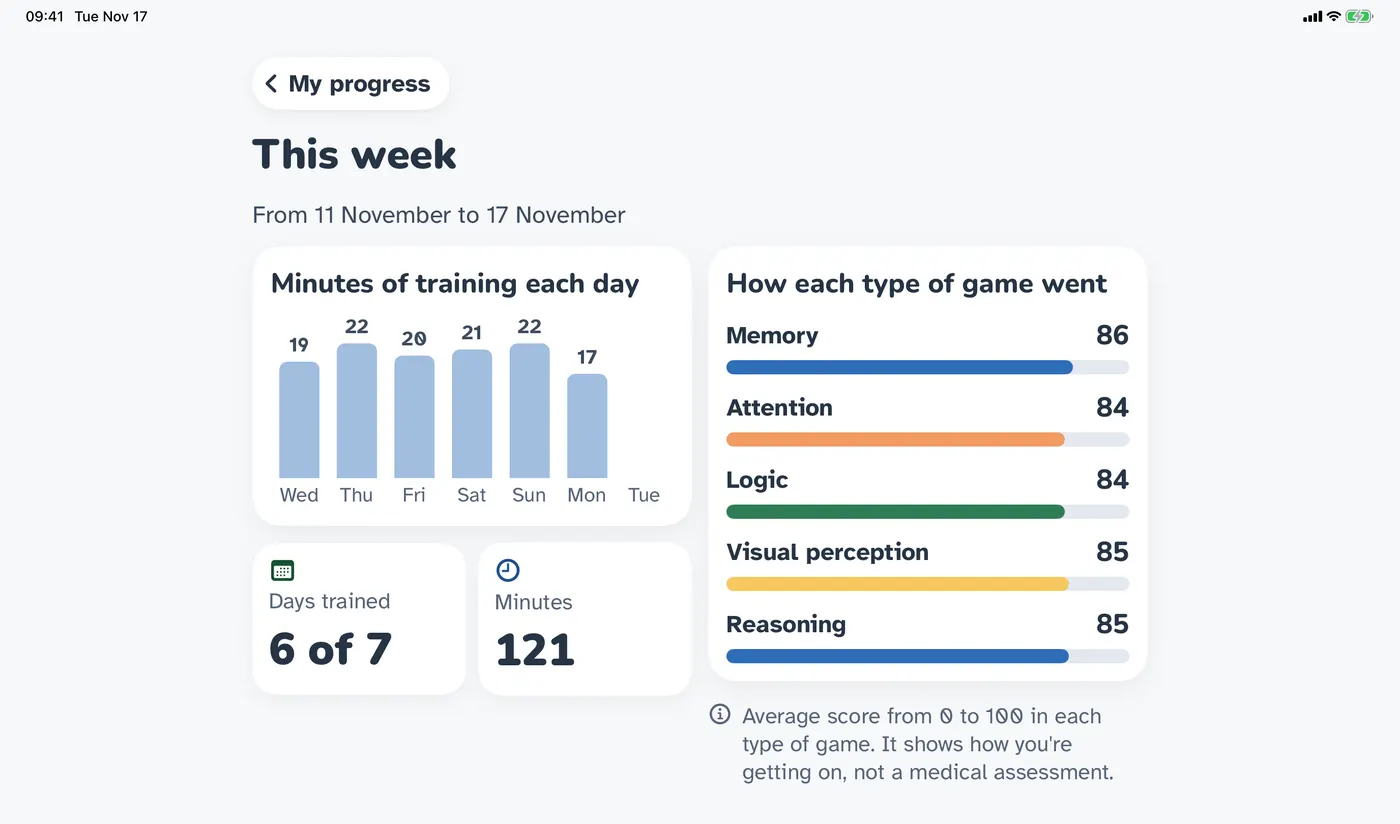
This week screen on an iPad in landscape: minutes per day, days trained and score by type of game.
Also on iPad and in landscape

Request information

Fields marked with an asterisk are required.

Prefer to write directly? albeasystems@gmail.com